
Minecraft Launcher
PRICE COMPARISON
DLC & ADD-ONS
6
ABOUT THIS GAME
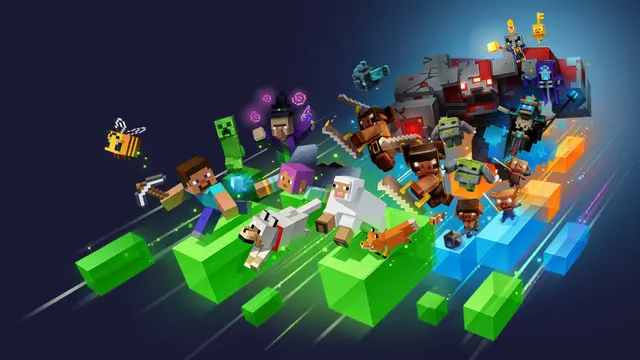
Explore Multiple Minecraft Worlds on PC
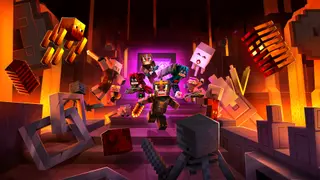
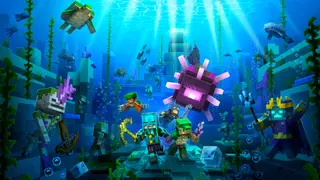
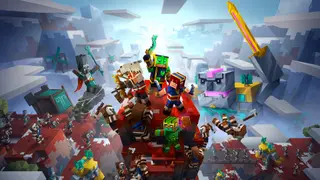
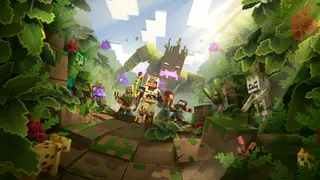
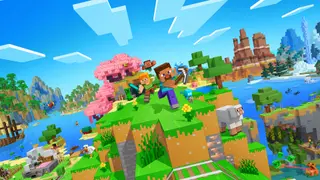
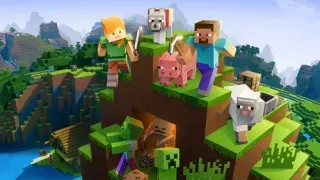
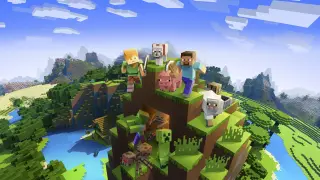
The Minecraft Launcher brings the vast and engaging worlds of Minecraft right to your PC, specifically designed for Windows 10 and Windows 11. This launcher serves as a gateway to various Minecraft experiences, allowing players to switch seamlessly between different versions and gameplay styles. Whether you prefer building intricate structures in Minecraft for Windows or battling through Minecraft Dungeons, this launcher has you covered.
Choose Your Adventure Mode in Minecraft
In Minecraft for Windows, players can switch between creative and survival modes. Creative mode grants unlimited resources, letting you unleash your creativity without constraints. On the flip side, survival mode challenges you to navigate a world filled with dangers, requiring the crafting of weapons and armor to fend off hostile mobs. The choice is yours, play solo or team up with friends across various platforms, including mobile, Nintendo Switch, PlayStation 4, and Xbox One.
PRICE FACTS
| Current best price | Free at Xbox |
|---|
FREQUENTLY ASKED QUESTIONS
What platforms is Minecraft Launcher on?
Minecraft Launcher is available on PC.
When was Minecraft Launcher released?
Minecraft Launcher was released on November 2, 2021.
Is Minecraft Launcher free?
Yes, Minecraft Launcher is free to play.
RELATED PRODUCTS

Games from Microsoft Studios

Explore ReadyGame
Deals
Collections
Browse by category
Franchises
- Star Wars
- Resident Evil
- Final Fantasy
- Assassin's Creed
- Call of Duty
- Warhammer 40,000
- Tom Clancy’s
- Batman
- Yakuza: Like a Dragon
- Sonic The Hedgehog
- The Legend of Heroes
- Monster Hunter
- Dragon Ball
- Far Cry
- Borderlands
- Life is Strange
- Tomb Raider
- Doom
- Marvel
- Sid Meier
- LEGO
- Disney
- Warhammer
- Fallout
- Five Nights at Freddy's
- The Jackbox Party Pack
- Dungeons & Dragons
- The Walking Dead
- The Elder Scrolls
- The Lord of the Rings
- Battlefield
- Teenage Mutant Ninja Turtles
- Watch_Dogs
- Wolfenstein
- Little Nightmares
- Dragon Quest
- Sherlock Holmes
- Mortal Kombat
- World of Darkness
- Alien
- Farming-Simulator
- Metal Gear
- Dying Light
- Atelier
- Metro
- Ys
- Silent Hill
- One Piece
- Need for Speed
- World Rally Championship